 Field & Exploration
How it works
DigiAttacks
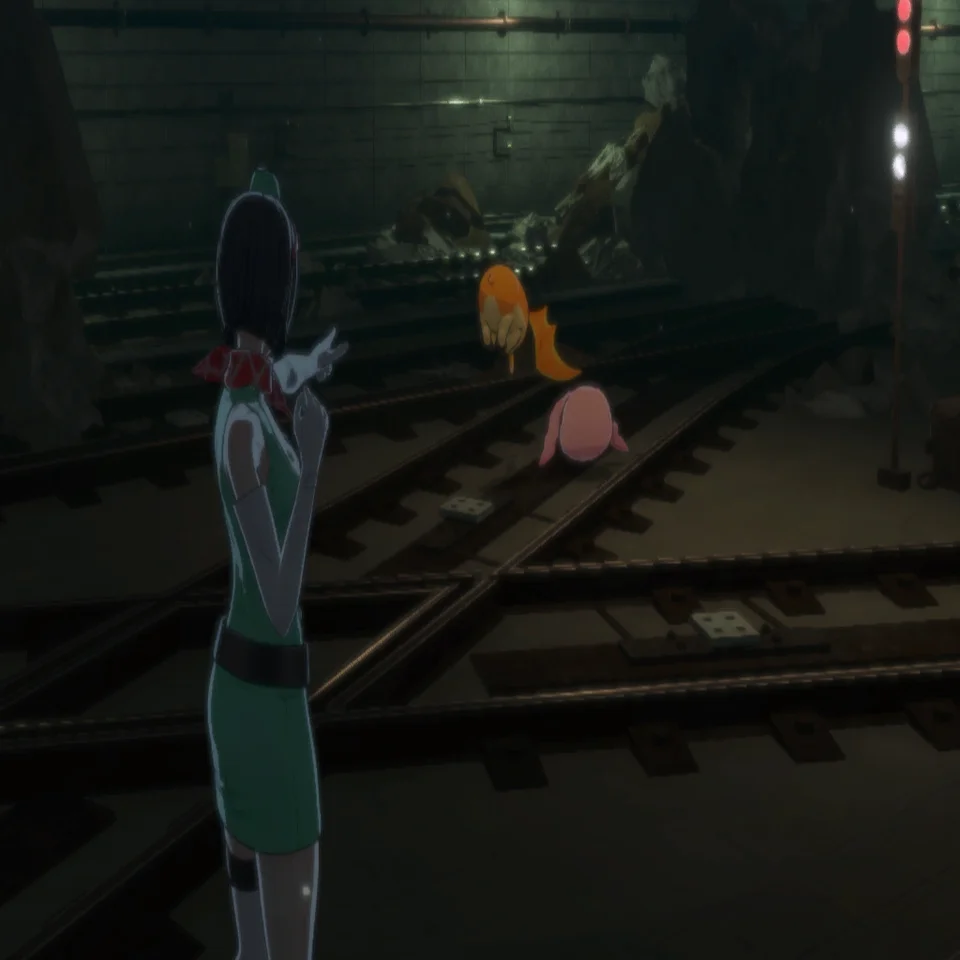
Command your partner Digimon to utilize a skill attack.
Use DigiAttack as a preemptive strike against a hostile Digimon, or to destroy or activate objects.
Skill attacks used by partner Digimon during DigiAttacks reflect the skill's damage and element effects.
The most effective partner Digimon attack is automatically selected.
DigiAttack skill attacks do not consume SP, so use them aggressively in order to start the battle with an advantage.
Element-Specific DigiAttacks
Some objects must be hit with DigiAttacks featuring skill attacks of certain elements.
If your attacks are failing, try making a change to your partner Digimon's Attachment Skills.
Analyze Mode
This mode lets your Digivice display various kinds of information that cannot be seen with the naked eye alone.
- See which objects can be targeted with a DigiAttack.
- View details regarding a hostile Digimon (use ).
- Search for treasure chests and materials.
While in Analyze Mode, you can perform DigiAttacks on hostile Digimon and objects.
Regeneration Mode
This is an auto-recovery program for your partner Digimon.
The program boots up when you're standing still and restores your Digimon's HP and SP.
Whenever you find a safe location, be sure to use this program to recuperate before returning to your mission.
DigiRide
Press or hold DigiRide to ride atop a partner Digimon.
You can DigiAttack and Analyze while DigiRiding. You can also DigiAttack by colliding with hostile Digimon or objects.
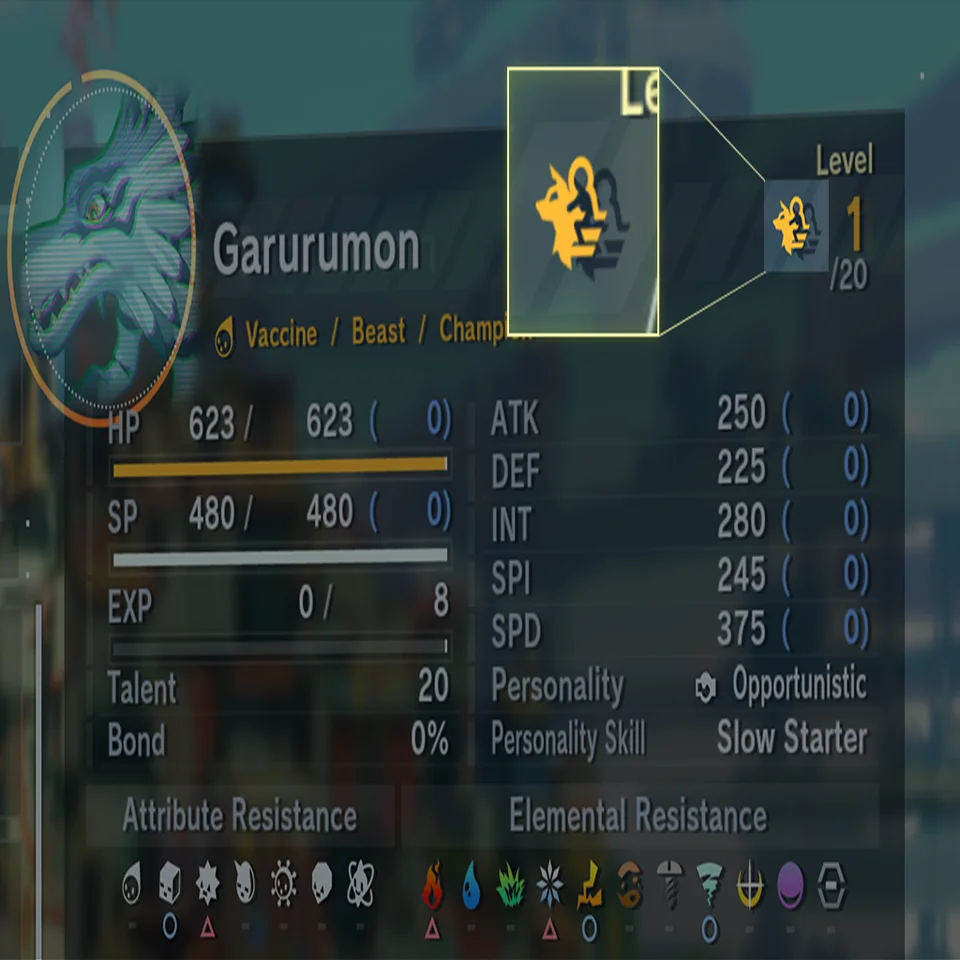
Digimon that are capable of DigiRide will have a ride icon on the Setup screen. Try DigiRiding different Digimon as you collect them.
DigiCo-Op
This field action enlists the aid of nearby Digimon to help traverse terrain that you would normally be unable to cross, making it vital to completing your mission. DigiCo-Op ride locations are marked with a special icon on the Map.
If you ever find yourself at a loss as to how to proceed, try searching for a Digimon in the vicinity that can offer assistance.
Treasure Chests & Materials
You can obtain items that are useful for completing your mission.
Treasure Chests These contain Support Items that can be used only by agents.
Materials Specific locations let you procure materials and other items.
Use Analyze Mode to help detect and locate these. If you find one, make sure to collect its contents.
The Navigation System
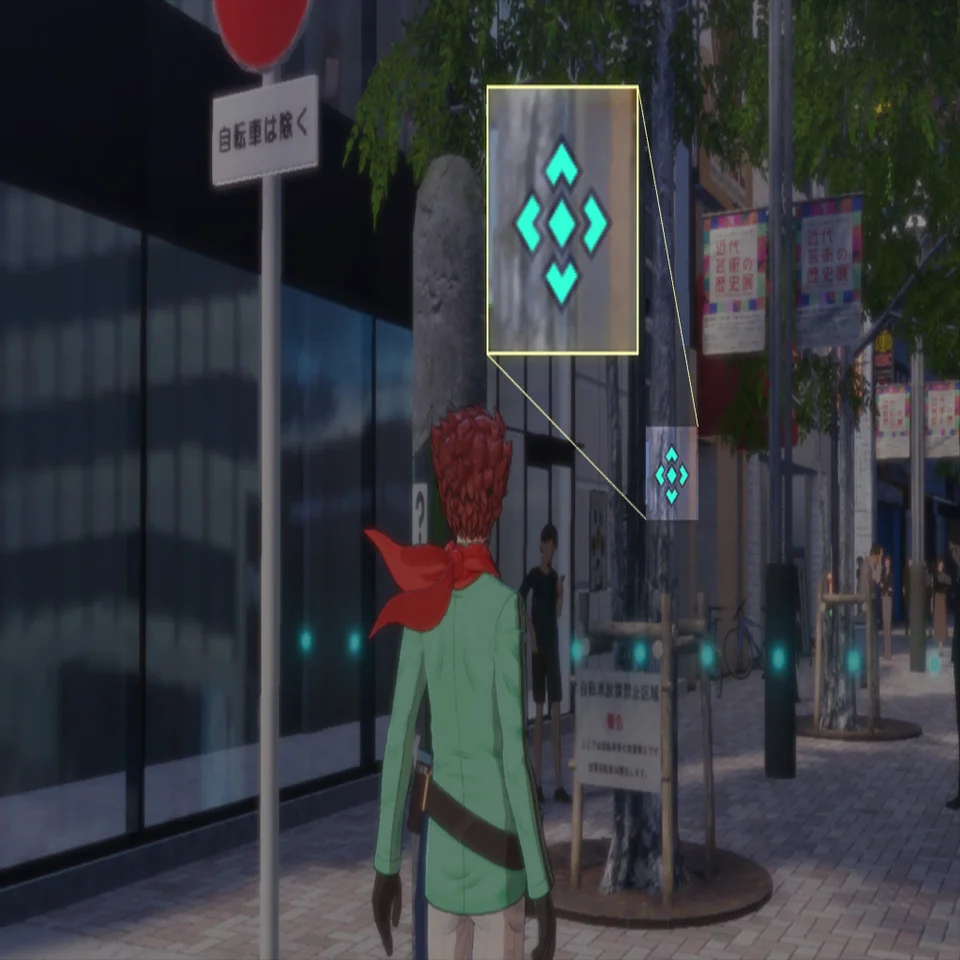
Your current objective will be displayed as a guide marker on the map.
Map Display of Hostile Digimon
Your Digivice has been updated.
The navigation system has been upgraded, and the positions of hostile Digimon are now indicated with red markers.
The World Map
You have the ability to move between selected locations on the World Map.
New locations will be added as you complete missions.
Time Jumping
You can now jump between different points in time.
Access the In-Between Theater's exit and select a time and location to jump to. You can also return to the present.
Use this feature to help complete side missions that you have yet to finish.
The In-Between Theater
This special theater exists between time and space and is managed by the mysterious individual known as "Mirei."
It includes various features that are useful for agents and also allow partner Digimon to recover their health.
Entrances to this space can be found in various locations. These entrances will be registered on the navigation system once you discover them.
The Outer Dungeons
This term is given to areas within phase electron space that are scattered across the world. Among them, the Outer Dungeons from Ages Past are said to contain some of the most difficult trials ever. Although not required, it's recommended that you clear them and obtain the many rewards within.
The Outer Dungeons are entered in the registry once discovered. Speak to Mirei in the In-Between Theater to take them on.
Digivice Usage Restrictions
Within the mission area of an Outer Dungeon, the majority of your Digivice's features will become disabled. Full functionality will be restored upon completing the mission.
Peckmon Race Rules
This competition has you ride atop a Peckmon to complete the race before your rivals.
Please heed the following:
- Eating Digimeat boosts your speed and gives you temporary invincibility.
- Hitting an opponent or obstacle slows you down.
- Although all Peckmon are well-trained and in good health, the administrators accept no responsibility for any possible accidents.
Field Guide
This database features info on Digimon that you have come into contact with and is found under Agent > Field Guide on your Digivice.
Digimon Discovered Digimon that you have defeated in battle or with DigiAttacks. Most of the details remain unidentified.
Registered Digimon Digimon that you have partnered with. You can also view detailed info such as their profiles.
Main Mission
Your primary mission, deemed critical priority under orders from ADAMAS. Failure to complete the mission may result in the end of the world as we know it.
Agent, be sure to conduct your mission with utmost care.
Side Missions
This is the term given to requests made by local residents in real time. Once a side mission is detected, you will be notified via Digiline.
You can prioritize missions by going to Missions > Side Missions on your Digivice and then using Mark Current Objective to make your choice.
Make sure that these requests do not interfere with your main duties.
"All Things in Good Time" This concept is important when thinking about side missions.
Difficult missions may become easier upon gaining more experience.
Also, there is no need to stress out about side missions that could not be completed due to progressing in the main mission. The opportunity to complete them will come in due time.
Digiline
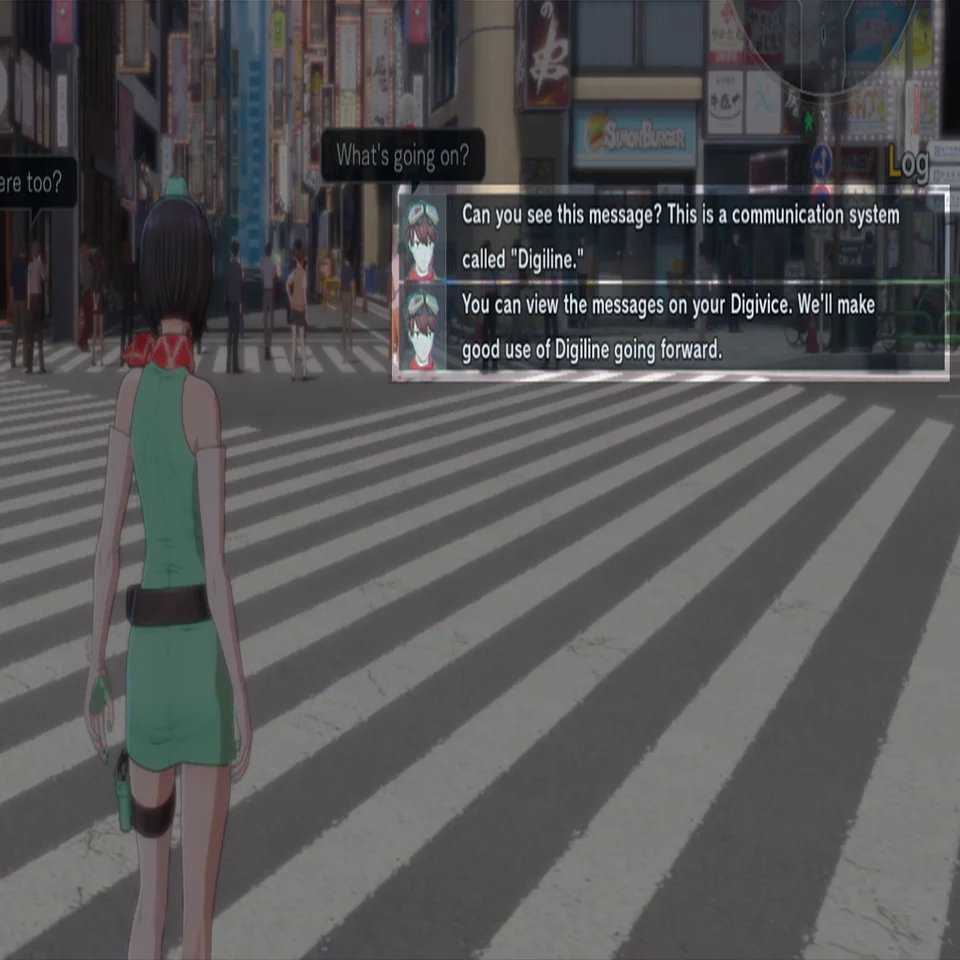
Messages containing useful information such as tutorials and mission intel will be sent to your Digivice. You can view previously received messages via Digiline on your Digivice.